


Connect third-party tools directly inside Spaces to keep your workflow in one place.
Enabling Apps
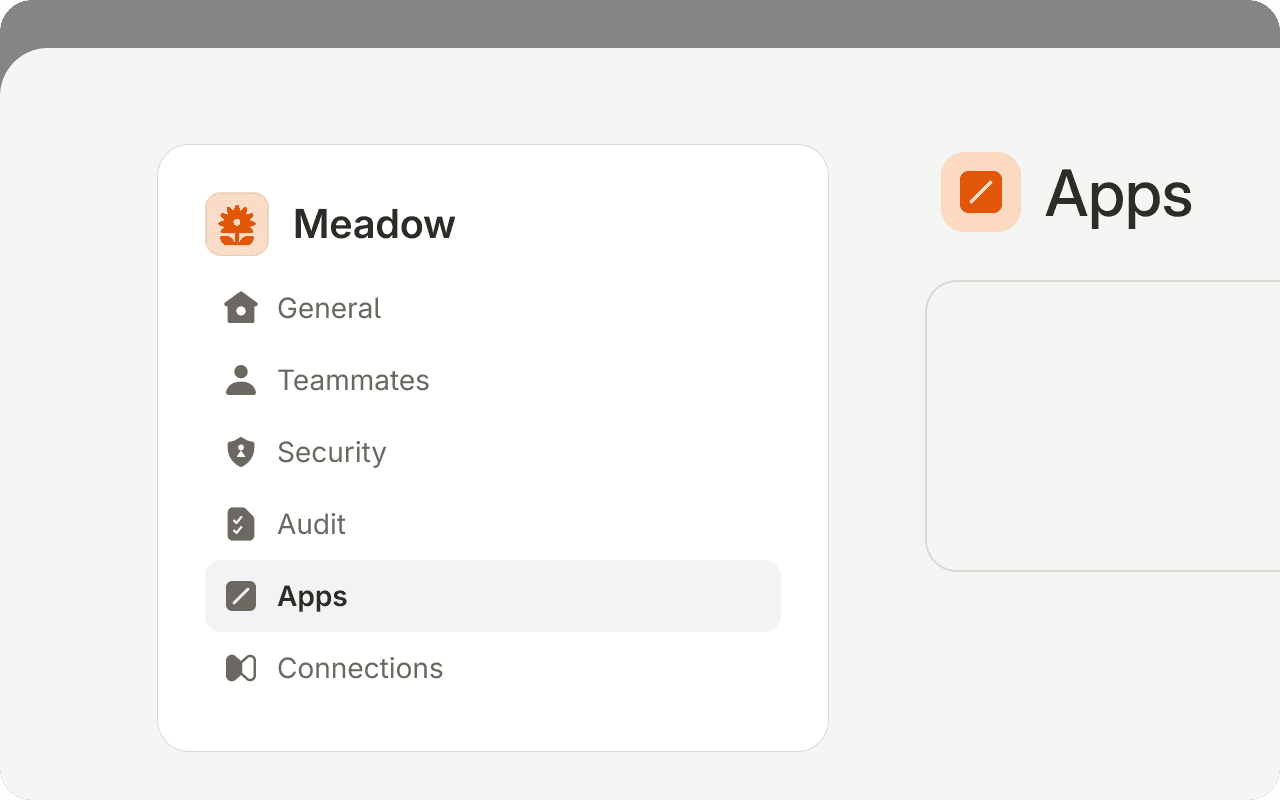
Apps are managed at the organization level. To enable an integration, go to Org Settings and select Apps from the left sidebar. Click Add Application, choose the app you want to enable, and it will become available to your organization.
Using Apps
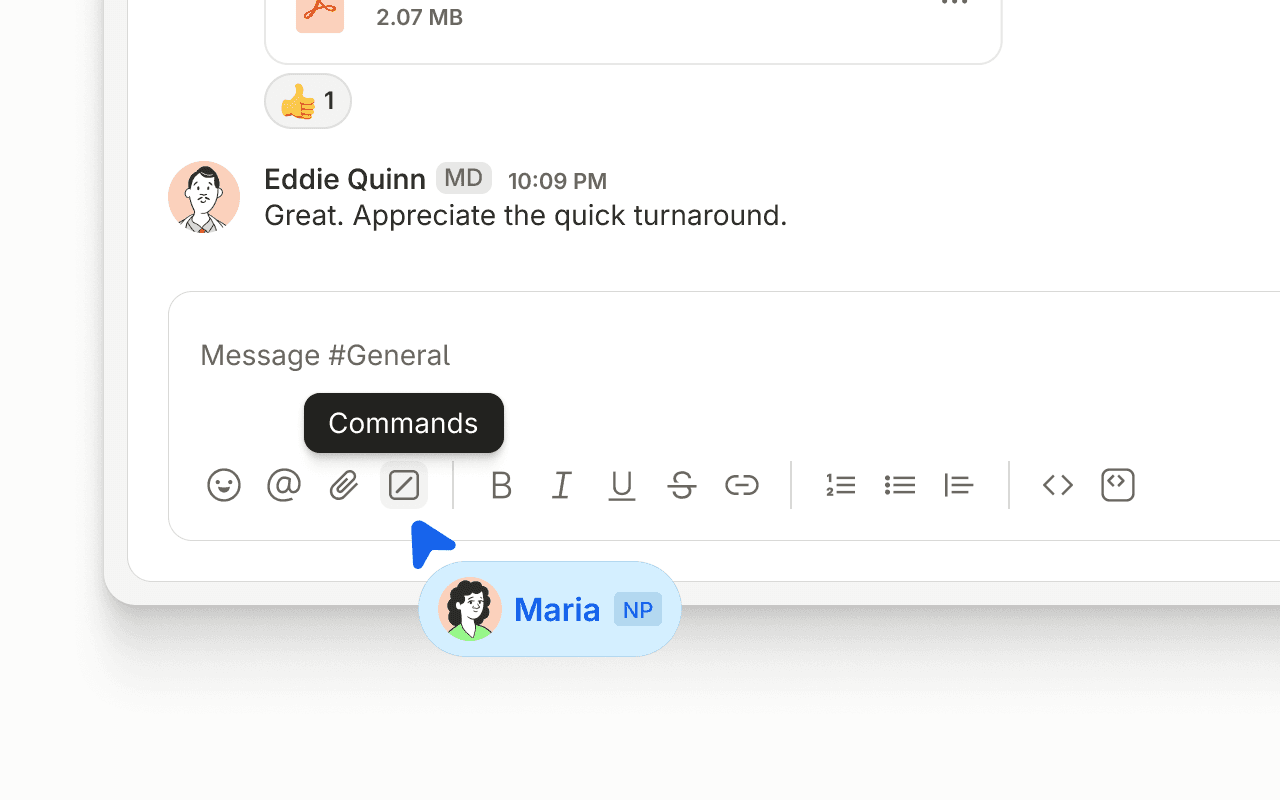
Once an app is enabled, you can access it directly from the message bar. Type "/" or select the slash icon in the bottom bar to open the app launcher and choose from your available integrations.