


To Dos are your personal task list in Spaces, a running set of things to do that follows you everywhere. Because To Dos are tied to you rather than an organization, you'll see the same list no matter which org you're working in. Check something off in one place, and it's done everywhere.

Where to find them
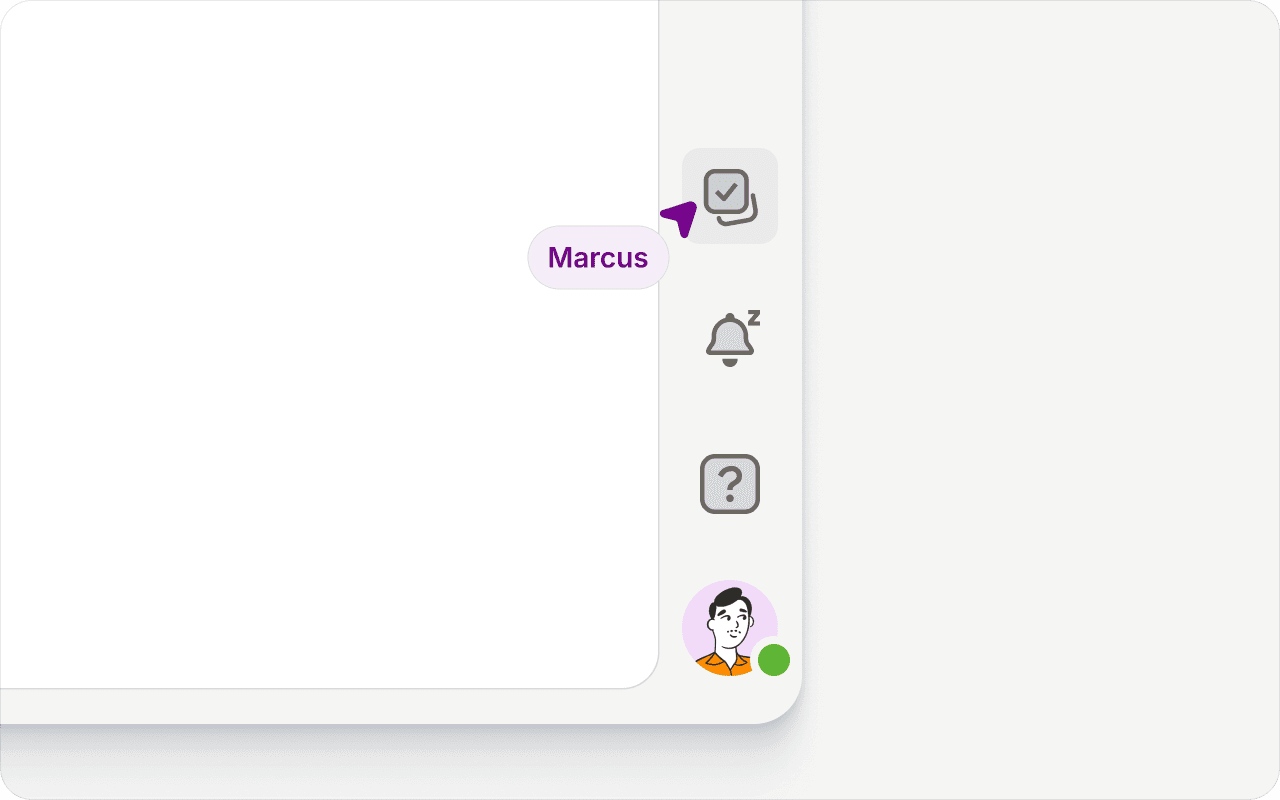
Open To Dos from the sidebar in the bottom-right corner of Spaces. The panel slides out with your full list, ready wherever you are.
Creating a To Do
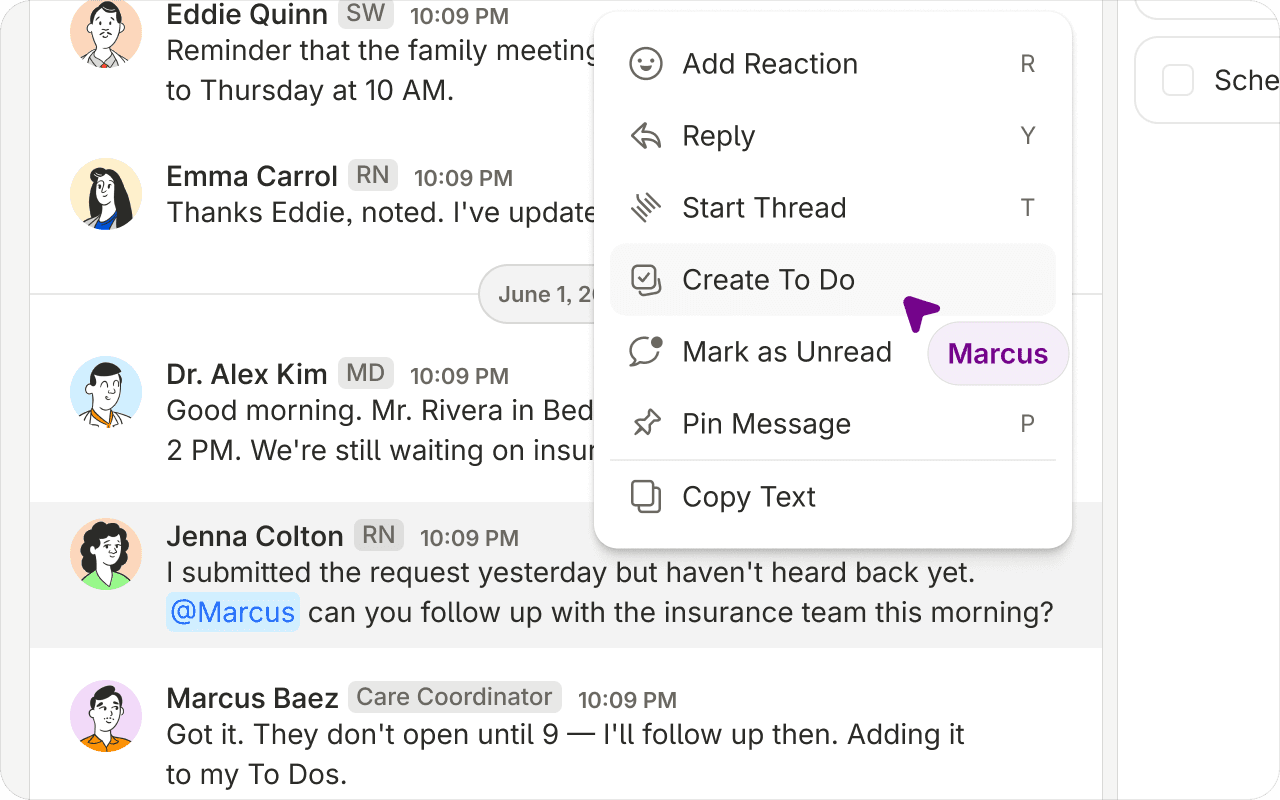
Right-click any message, channel, or DM to open the context menu and turn it into a To Do. Whatever you start from comes along for context. A To Do made from a message links back to the original, and one made from a channel shows the Space and channel it came from, so you always know what a task is about.
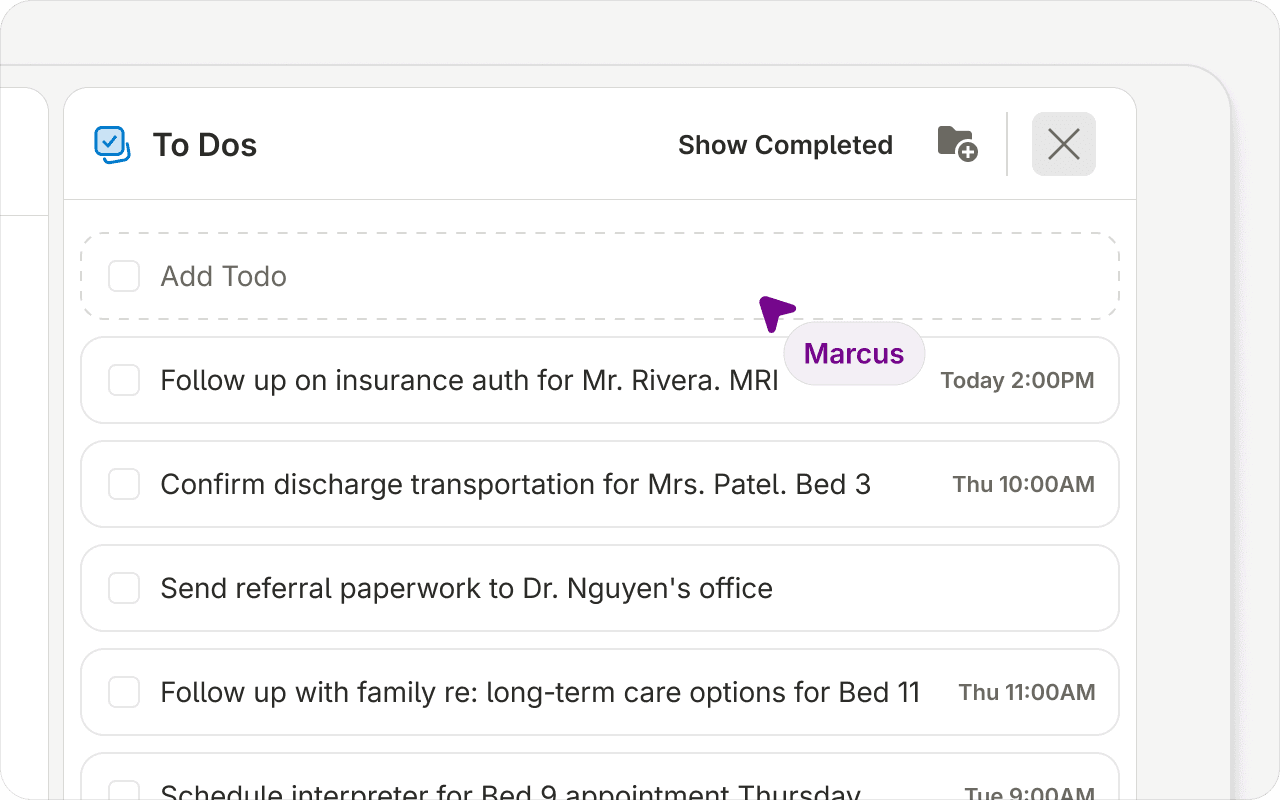
You can also add a To Do directly from the To Do panel. Type it in and press Enter to add it, or Shift+Enter to start another task in the same To Do.
One To Do, many tasks
A single To Do can hold more than one task, so related steps stay together. Break a bigger piece of work into a checklist and knock them out one at a time.
Organizing with groups
By default, your To Dos are ungrouped. Create your first group and you'll get a default "Ungrouped" group alongside it, with an add-task option right at the group level to keep things sorted. Need to reshuffle? Move any task from one group, or one To Do, to another.
Priority and due dates
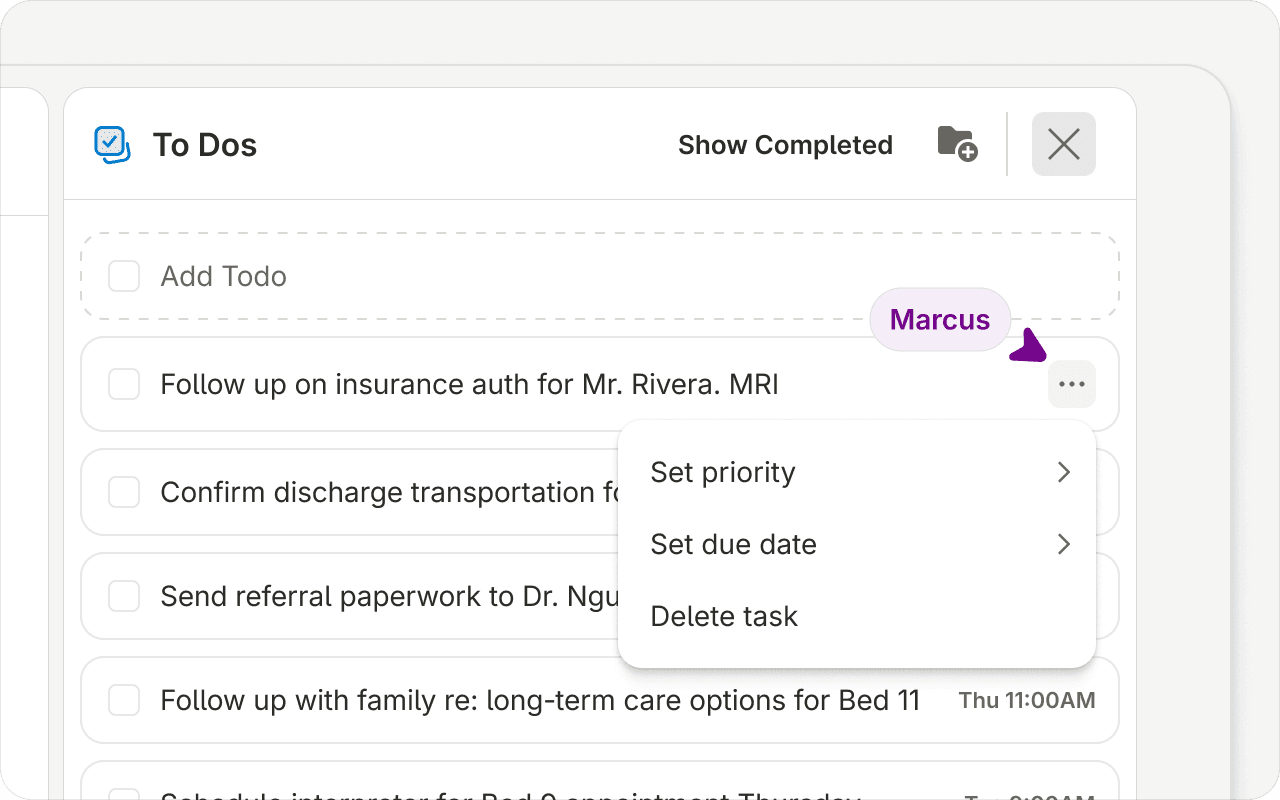
Set a priority of low, medium, or high to flag what matters most, and give any task a due date and time so nothing slips.
Completing and clearing
Check tasks off as you finish them. Completed tasks collect under the Completed header at the bottom of the panel. Toggle Hide completed or Show completed at the top to show or hide them, and hit Clear next to the header when you want a clean slate.