


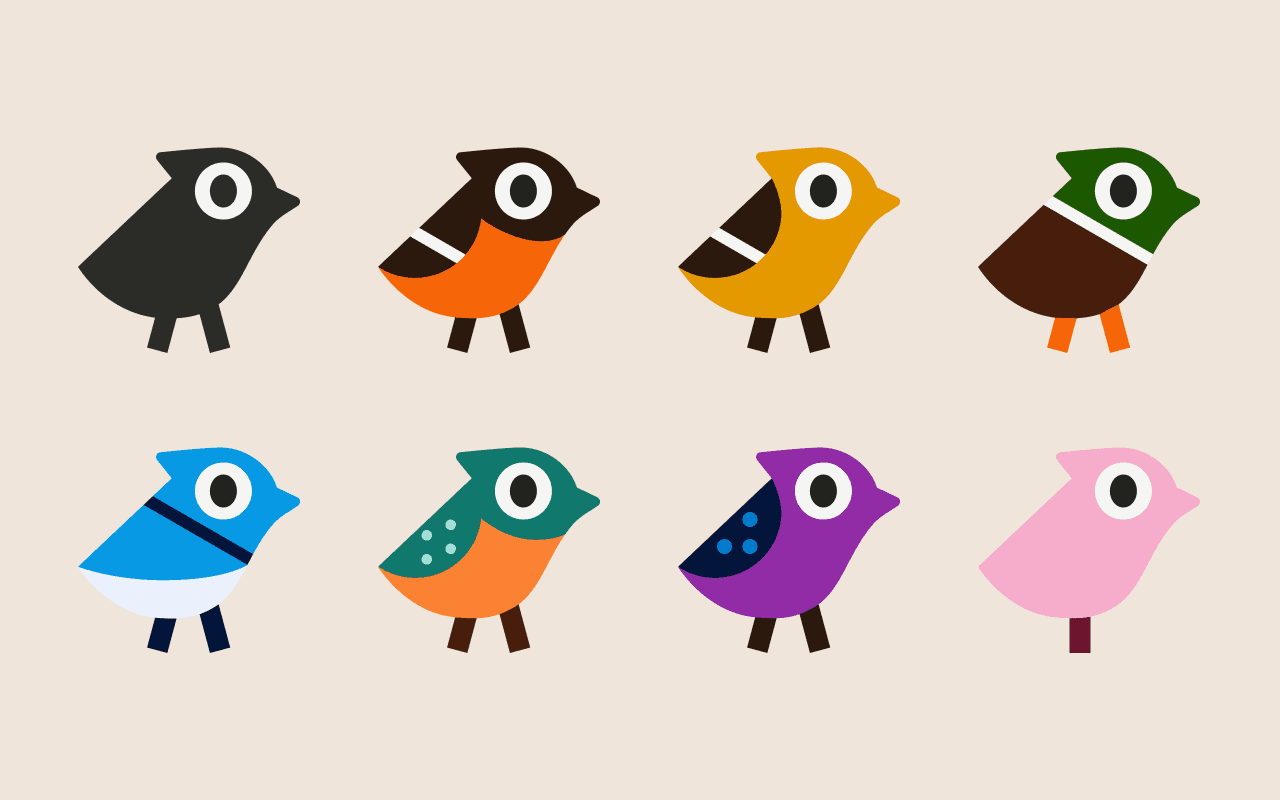
Themes let you change the look of the app with a set of 7 new colorways inspired by what else, birds. Your whole workspace takes on a little personality while staying clean and easy to read.
Choosing a theme
Head to Account Settings and open the new Appearance tab to pick a theme.
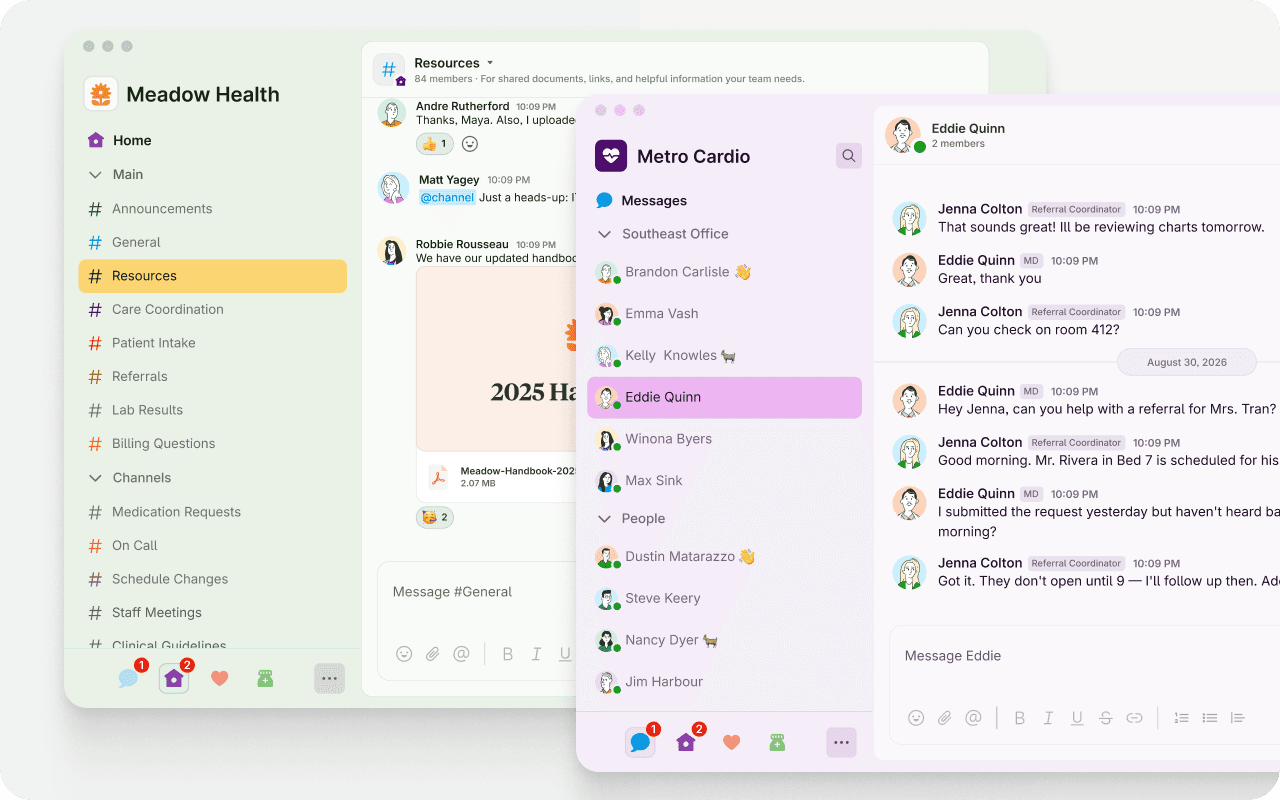
A theme per organization
Themes are set per organization, so each org you belong to can have its own look. Give one org a color you associate with clinical work and another something entirely different, and you'll always know at a glance which one you're in.
Flock of colors
There are eight themes to choose from, each named after a bird: Magpie (the default), Oriole in orange, Goldfinch in yellow, Kingfisher in teal, Martin in purple, Jay in blue, Mallard in green, and Flamingo in pink.
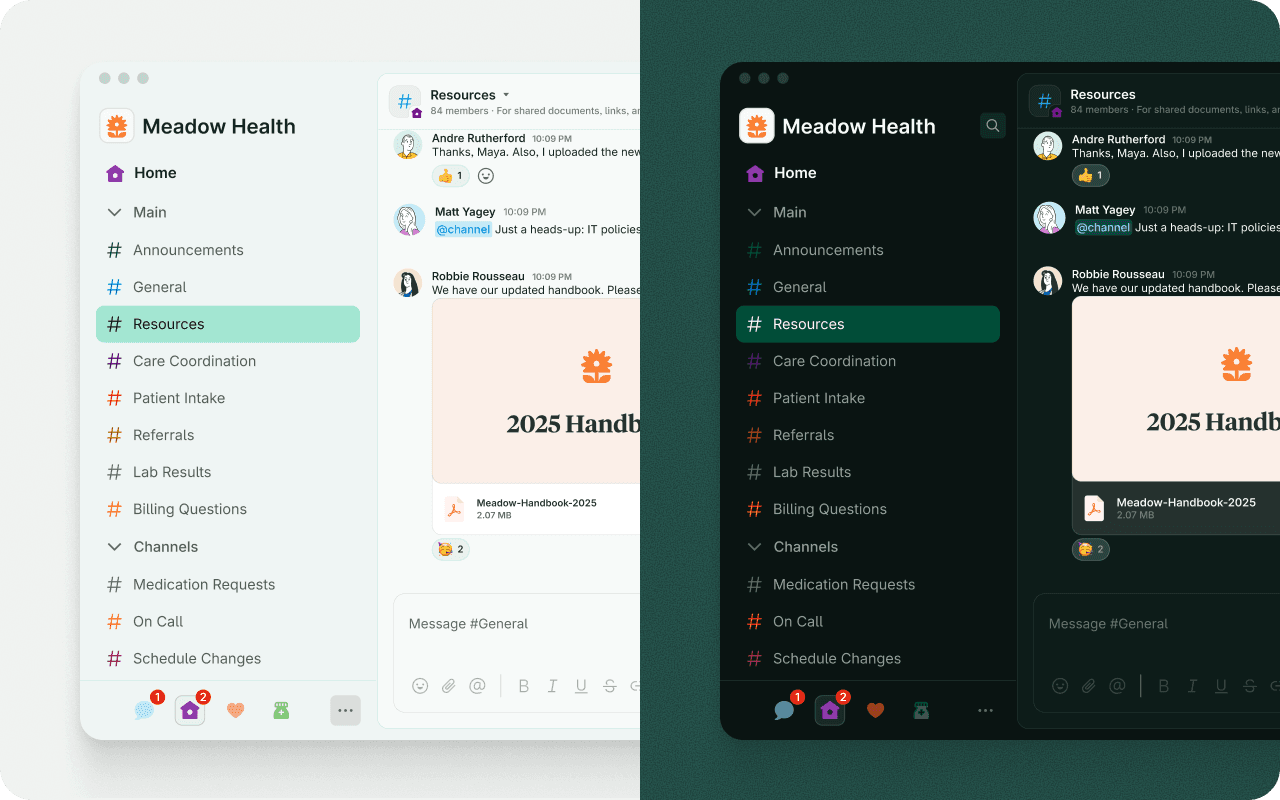
Light and dark, handled
Every theme adapts to your light and dark appearance setting, so whichever you prefer, your colorway looks right in both. Switch appearance whenever you like and your theme comes along.